
A barcode on every record
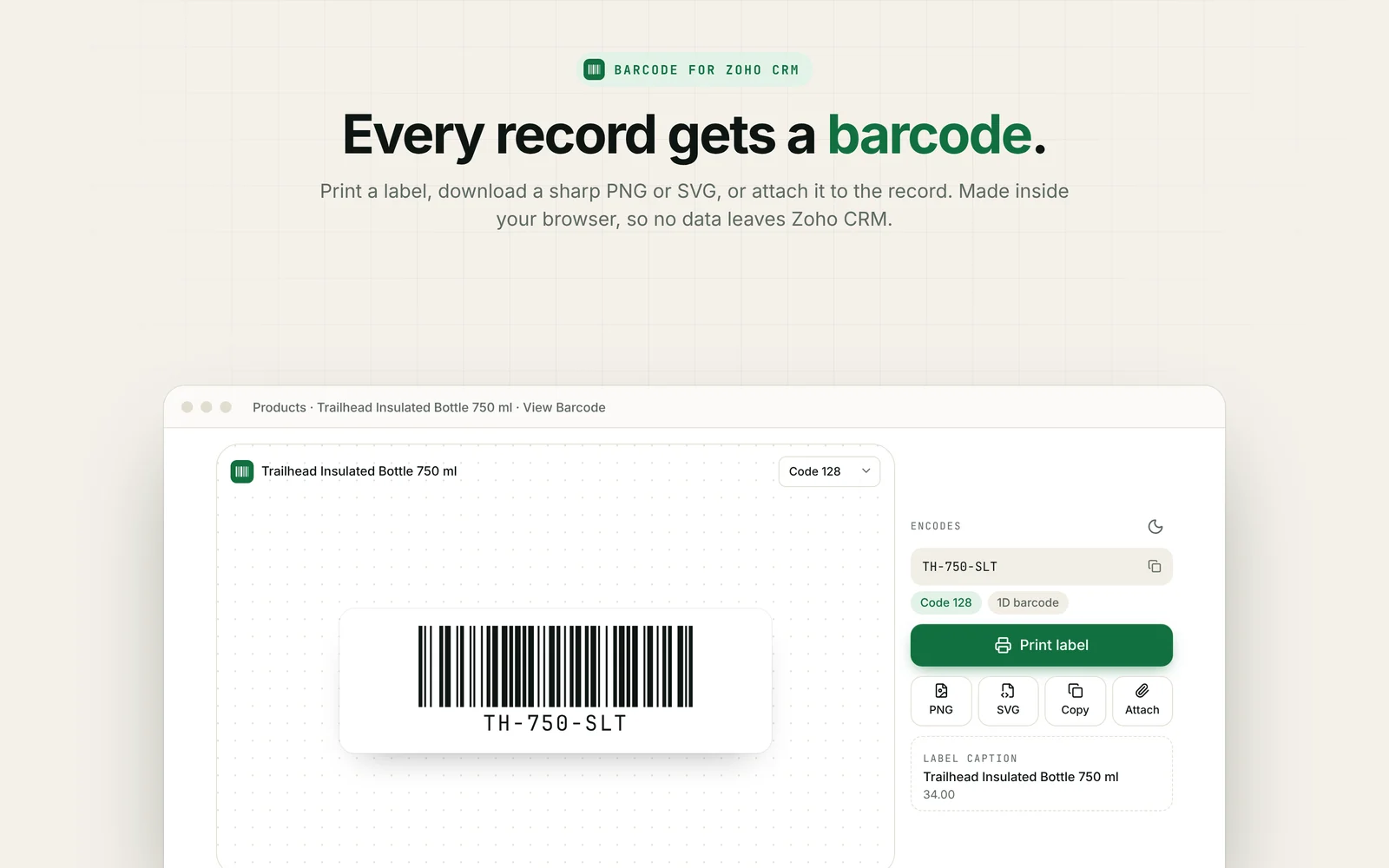
A panel on each record shows its barcode, ready to print, download as PNG or SVG, copy, or attach to the record.
Generate barcodes and QR codes for Products, Contacts, Deals and your custom modules. Scan to find a record in a second, and print labels for one record or a hundred.
Warehouses, service teams and shops still type product codes and asset numbers into Zoho CRM by hand. Barcode for Zoho CRM turns every record into a scannable label, and every scan back into the right record.
What’s included
Built from scratch for version 2: faster, private by design, and made for the way teams actually label and scan.
A panel on each record shows its barcode, ready to print, download as PNG or SVG, copy, or attach to the record.
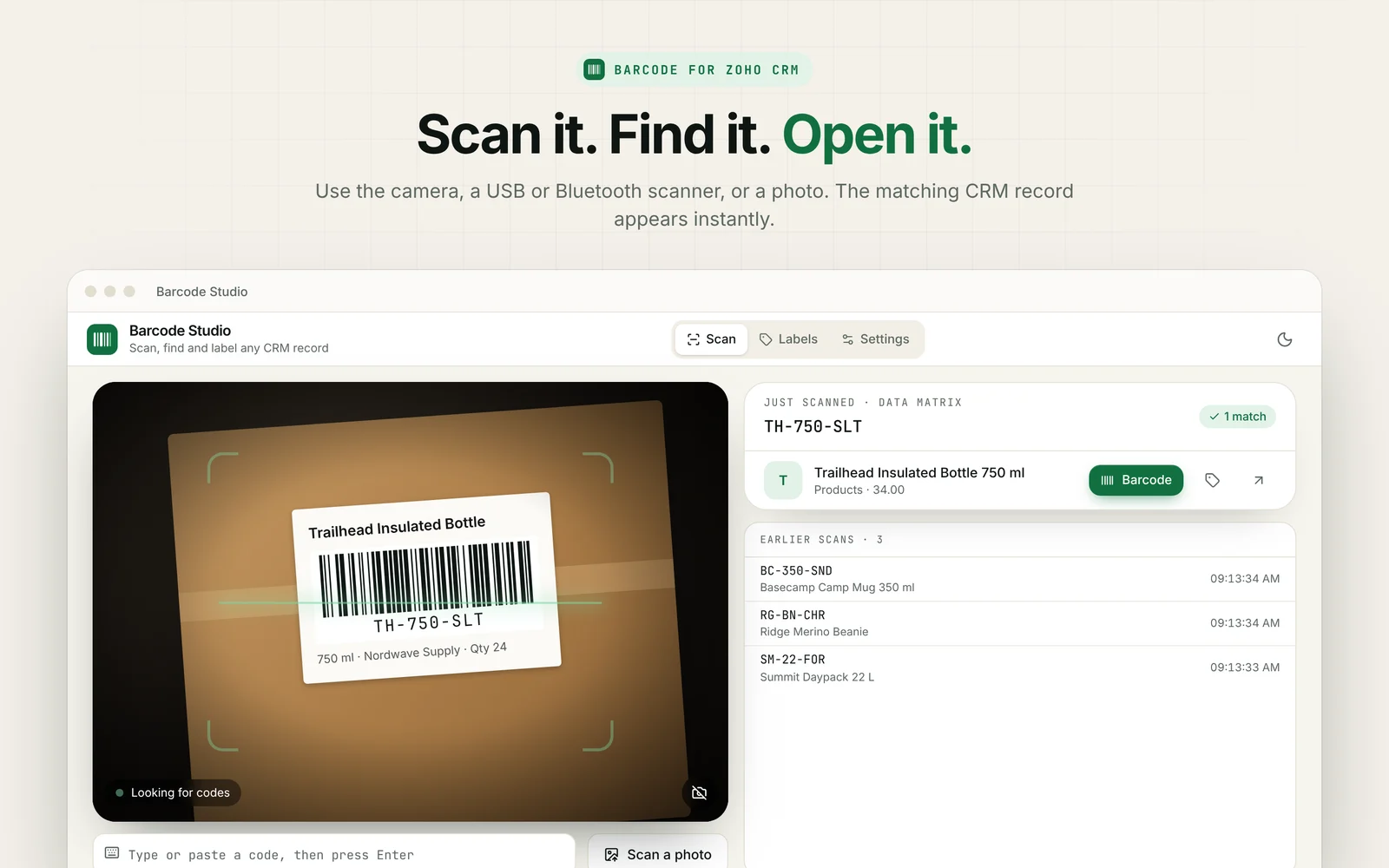
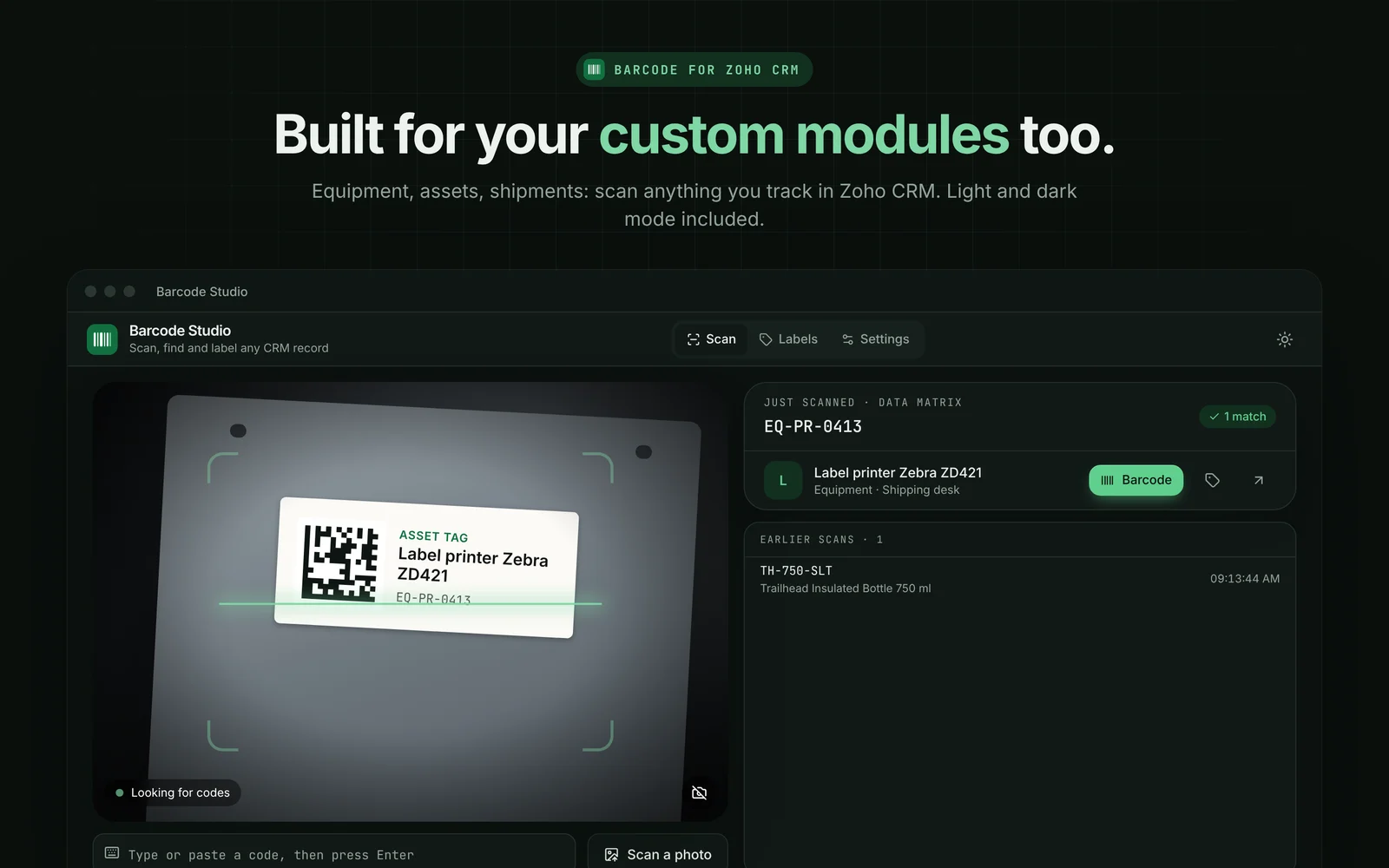
Barcode Studio reads codes with your camera, any USB or Bluetooth scanner, or a photo, and shows the matching record instantly.
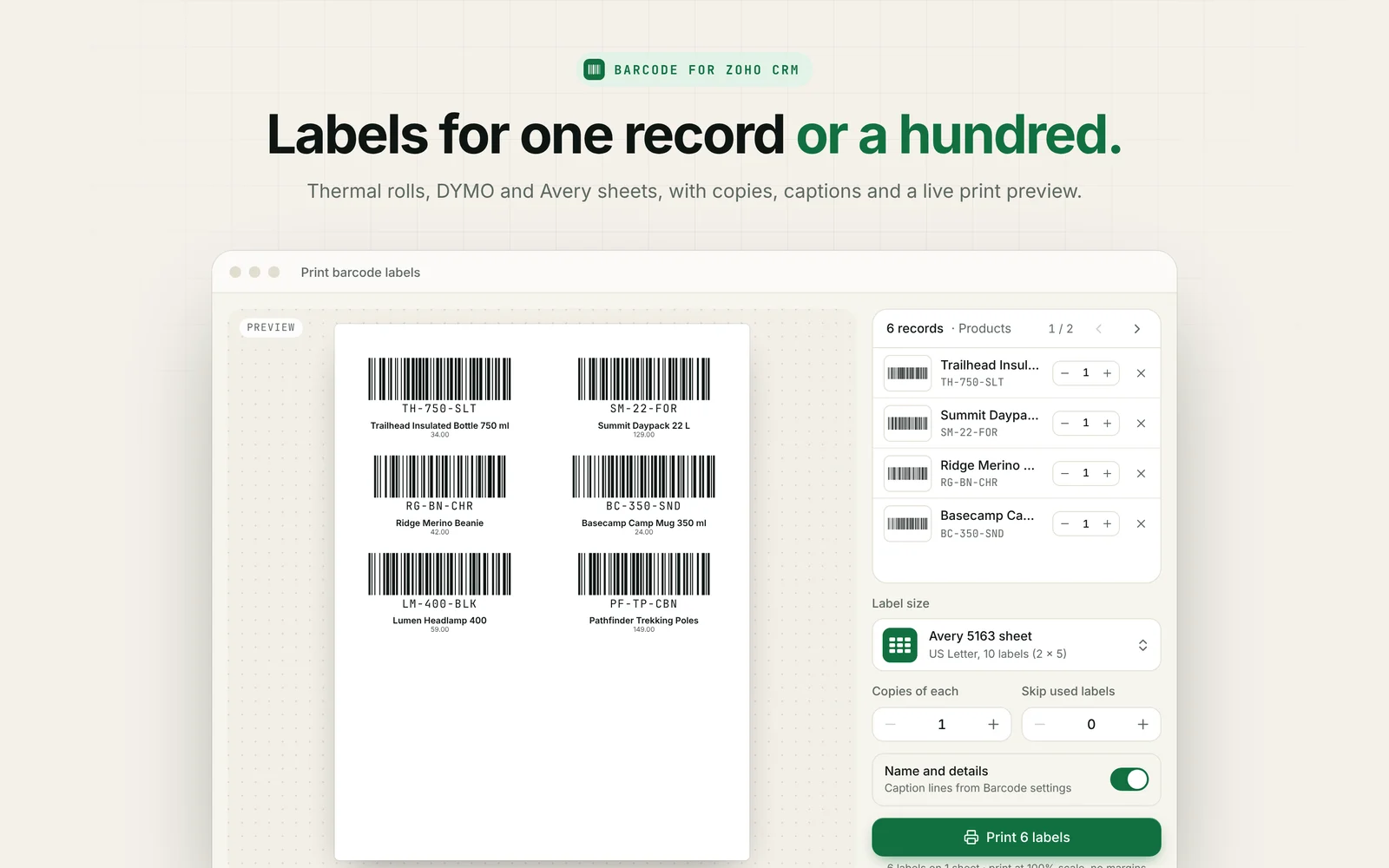
Thermal rolls, DYMO, Avery 5160, 5163, L7160 and L7651 sheets, with copies, skipped labels and a live preview.
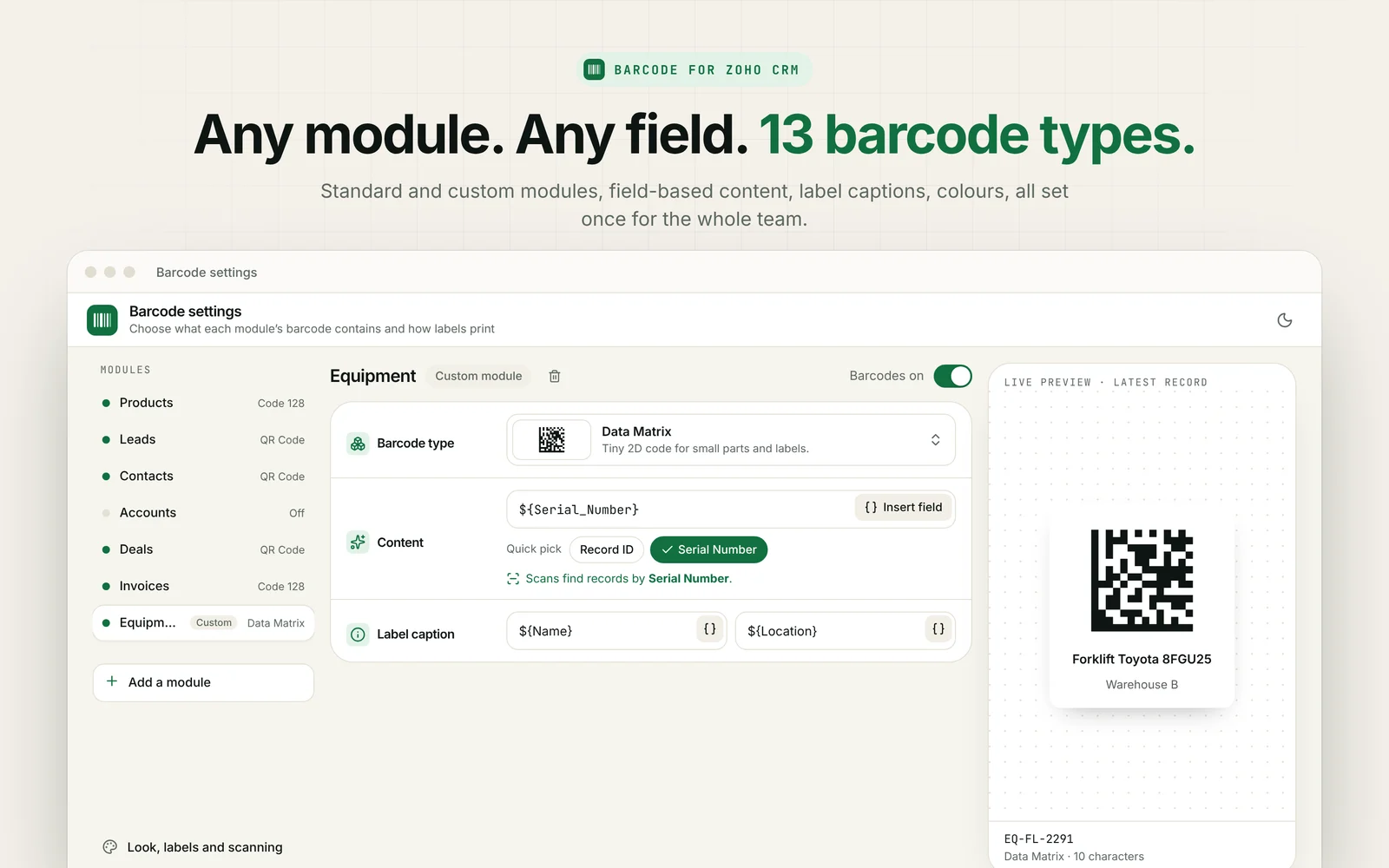
Standard and custom modules. Build the content from fields like ${Product_Code} or the record ID, and add a two-line caption.
QR Code, Code 128, Data Matrix, EAN-13, UPC-A, EAN-8, UPC-E, Code 39, Aztec, PDF417, ITF-14, GS1-128 and Codabar, with clear input checks.
Barcodes are drawn in your browser and camera frames never leave the device. No outside servers, no tracking.
Inside Zoho CRM
Light and dark mode, keyboard friendly, and responsive from a phone in the warehouse to a wide office screen.
Live demo
This is the real extension running on sample data. Type TH-750-SLT or EQ-PR-0413 in the box, add records to Labels, and open the print preview.
How it works
No code, no field mapping projects. The setup guide walks through each step with screenshots.
Install from the Zoho Marketplace and choose who gets access.
In Barcode settings, choose the modules, barcode type and the field each barcode holds.
Print from a record, or select records in a list and print a whole sheet.
Open Barcode Studio, scan a label, and jump straight to the record.
Pricing
Or $90 USD per organization per year (save 17%). Every user in your organization included. Free trial first.
Professional, Enterprise, Ultimate, CRM Plus and Zoho One.
No. Barcodes are drawn in your browser and settings are stored in your own CRM. The camera picture is read on your device and never uploaded. See the privacy policy.
Any USB or Bluetooth scanner that types like a keyboard, phone and laptop cameras, and photos of a label.
Yes. Add any custom module in Barcode settings, choose its fields, and scan or print labels for it in Barcode Studio.
No. Your barcode type carries over automatically, and the record panel stays where it was, with many more options.